



SameMovie Max Video Downloader
Download Max movies and shows in 1080P with Dolby 5.1 audio. Save as MP4/MKV and watch offline on any device.

10X Download Speed
Smart Acceleration Technology

1080P Resolution
Crystal-Clear Quality

Batch Download
Download an entire Max season at a time.
*Note: It's for personal use only.
A Powerful Tool to Download and Save Max Movies
Download unlimited Max movies and shows with a smooth, hassle-free experience.

Download Any Max Movies as MP4/MKV Files , Watch on Any Device
SameMovie HBO Max Downloader lets you download any movies and shows from HBO Max to your PC or Mac for offline viewing, and keep them forever. Notably, it supports a wide range of content:
- HBO Originals & Max Exclusives: The White Lotus, The Pitt, ......
- Warner Bros. Movies: Harry Potter, The Lord of the Rings, ......
- DC Universe: The Batman, Man of Steel, Aquaman, ......
- Studio Ghibli: Spirited Away, My Neighbor Totoro, Howl’s Moving Castle, ......
With just a few clicks, you can save your favorite Max movies in the widely supported MP4 or MKV formats and watch them offline on any device: Smart TVs (Roku), Android, iPhone, iPad, game consoles, or any other compatible device.
Download Max Movies in Full 1080P with Dolby 5.1 Surround Sound
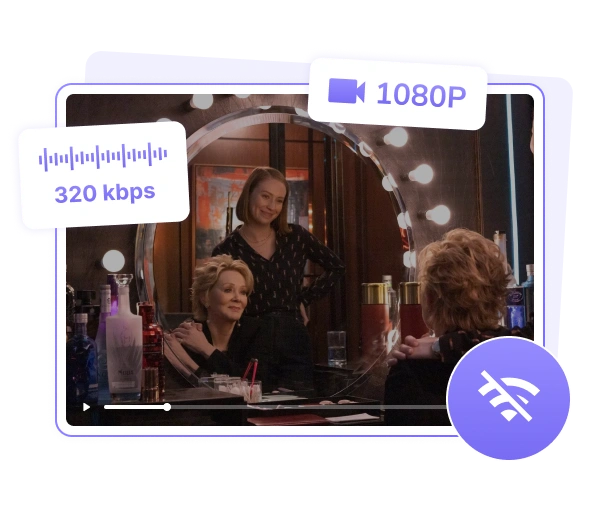
Never lose quality. SameMovie Max Video Downloader always captures the finest details of Max movies in Full HD 1080P quality, allowing you to see every detail in Warner Bros. movies or the DC Universe.
Besides, SameMovie supports up to EAC3 (Dolby Digital Plus) 5.1 surround sound, bringing you the theater atmosphere into your living room. For users who want to build a high-quality offline media library for large-screen TVs and advanced soundbars, SameMovie is your ideal choice.
Easily Batch Download Max Movies at 10X Faster Speed
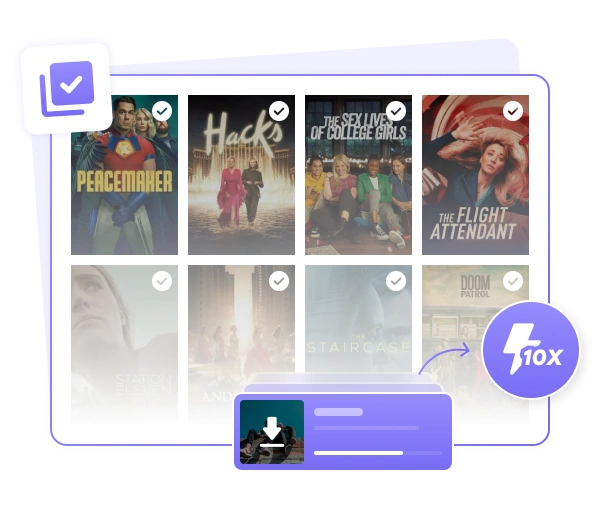
Stop wasting time clicking episode by episode. SameMovie allows you to add several different Max movies or an entire season of HBO series to the list and download them at once. With hardware acceleration, it will finish downloads very quickly at up to 10X faster speed.
Once the download starts, you can close the window and continue doing other things. SameMovie will continue the downloading process for you in the background.
Enjoy Ad-Free Max Movies - Even with the Basic Plan
As we all know, if you only subscribe to the Max With Ads plan, you will inevitably be interrupted by advertisements while watching a video. SameMovie Max Video Downloader is here to change that.
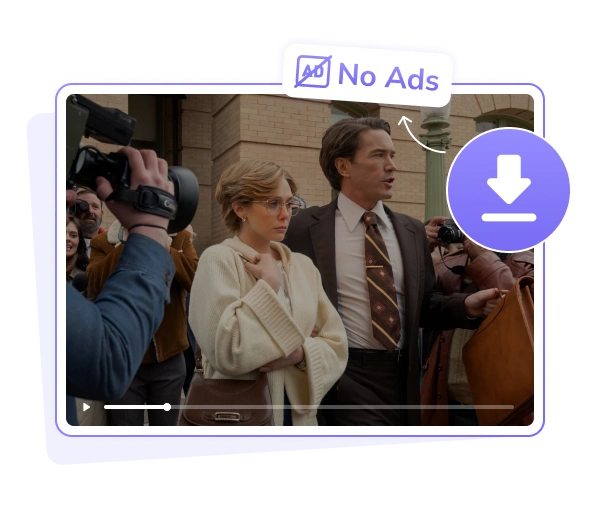
SameMovie Max Video Downloader utilizes advanced technology, making it able to get rid ads of Max movies. So, the downloaded Max movies are completely ad-free and interruption-free. Even with the basic Ads plan, you can enjoy pure, uninterrupted, seamless playback with no more forced commercials.
Personalize Your Audio Tracks & Subtitles for Max Movies Freely
SameMovie offers ultimate flexibility for your viewing experience, allowing you to preserve any audio and subtitle tracks available on Max.
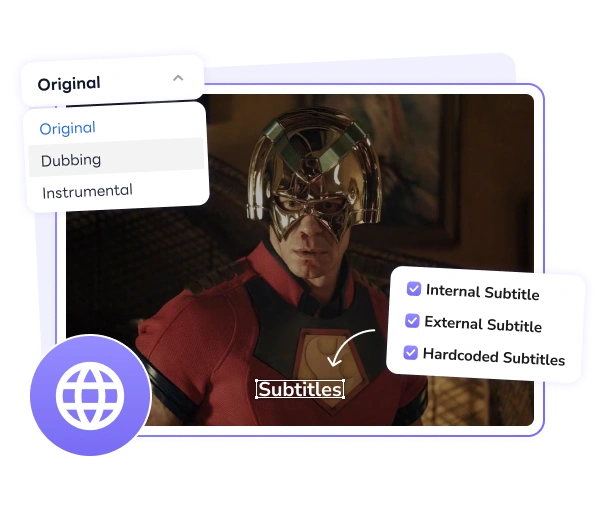
- Advanced Audio Selection: Choose from multiple languages and bitrates. Whether you prefer the original track, a dubbed version, or even Music & Effects tracks (no dialogue), SameMovie gets you covered.
- Three Subtitle Modes: To ensure compatibility with any playback device, SameMovie supports saving subtitles in three versatile formats: internal, external (.SRT/.VTT), and hardcoded subtitkes.
Discover More Perfect Functions

Built-in Web Player
You can browse and play videos directly inside the app with the built-in web player.

Preserve Max Movies Metadata
All key information like titles, cover art, seasons, and episodes is kept, so your Max movies library stays organized.

Hardware Acceleration
Supports Intel, NVIDIA, and AMD graphics cards to make downloads faster and the program run more smoothly.

Two Video Codecs
You can choose between H.265 and H.264, depending on what works better for your storage or playback needs.

Control Download Process
Pause or resume downloads whenever you want, so you’re always in control of the process.

Multilingual Interface
Supports up to 25 languages, making it easy to use no matter where you’re from.
Why you need Max Video Downloader?
Download Max movies or shows, then stream on any device, anytime, anywhere.
Download Max Movies in Advance, Enjoy Your Favorites Without Wi-Fi
Why be tied to a stable internet connection? Whether you are taking a long-hour flight trip or simply stuck in the subway, SameMovie allows you to download Max movies in advance and watch them anytime, even without an internet connection.
Break Regional Limits , Watch Your Max Anywhere
Whether your account is registered in the United States, Latin America, or Europe, SameMovie allows you to access to any Max movies and shows in your region, and download them to watch offline.
Break Free from Max App Restrictions, Download Max Without Limits
The official Max app is full of hidden rules: downloads that expire in 48 hours, strict device limits, and a cap on how many titles you can save. SameMovie o breaks these shackles. With SameMovie, you can download unlimited titles of Max movies, watch them on any device, and at any time you want.

Why Choose SameMovie

98% Success Rate

Multi-Language

Clean UI

Customizable

Clean Experience

24/7 Support

What people say about us
Check out complete Reviews of SameMovie HBO Max Video Downloader >>
I travel a lot for work, and this makes long flights so much easier. I just download a few shows before I leave and watch them offline without worrying about Wi-Fi.
Setup was pretty simple. I mainly use it to save whole seasons, and it saves me a lot of time compared to streaming everything online.
The video quality is actually better than I expected. 1080P looks sharp on my TV and the sound is solid, especially with headphones.
How to Use HBOMax Video Downloader
Step 1: Run SameMovie and log in with your account

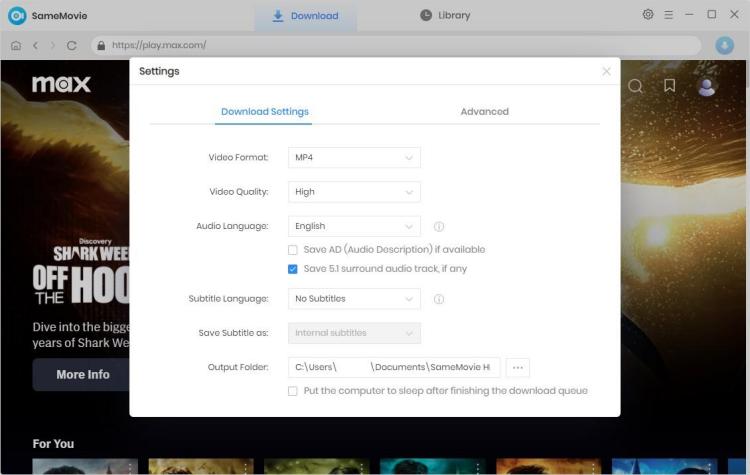
Step 2: Go to the Setting window and customize the output settings
Step 3: Enter the keywords to the search bar and find video
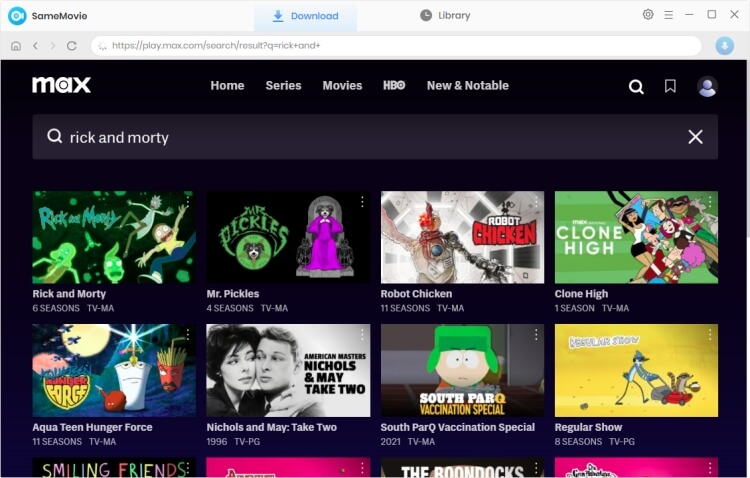
Step 4: Click the video to access the Advaned Download window
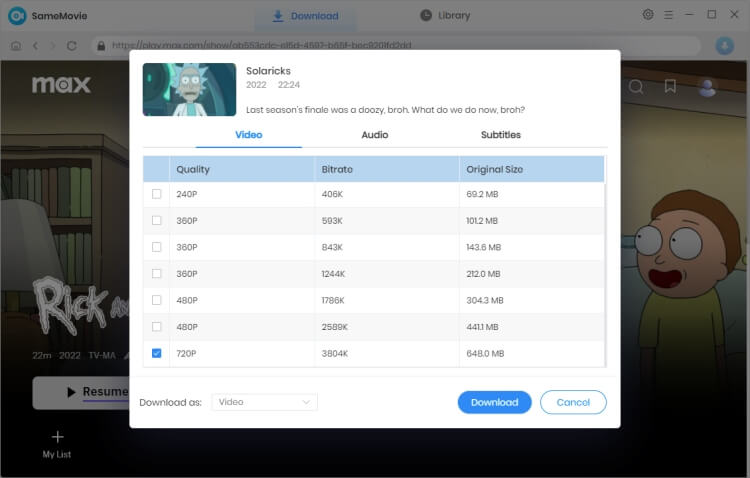
Step 5: Hit the download button and start downloading
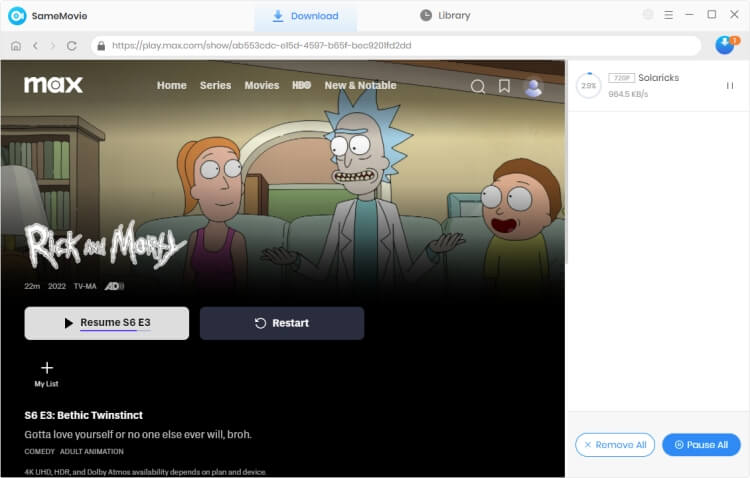
(For more detailed tutorial, please refer to Online Help.)